Your brand, your domain: what running a Traviology storefront looks like
What it takes to run a white-label travel booking storefront on Traviology: your domain and colors, Stripe checkout, editable content and storefront SEO.
Every agency on Traviology gets its own isolated storefront on its own domain. Here is what you set up, what runs underneath, and what your customers actually see.
By Traviology · Published 2026-10-10 · Updated 2026-10-11
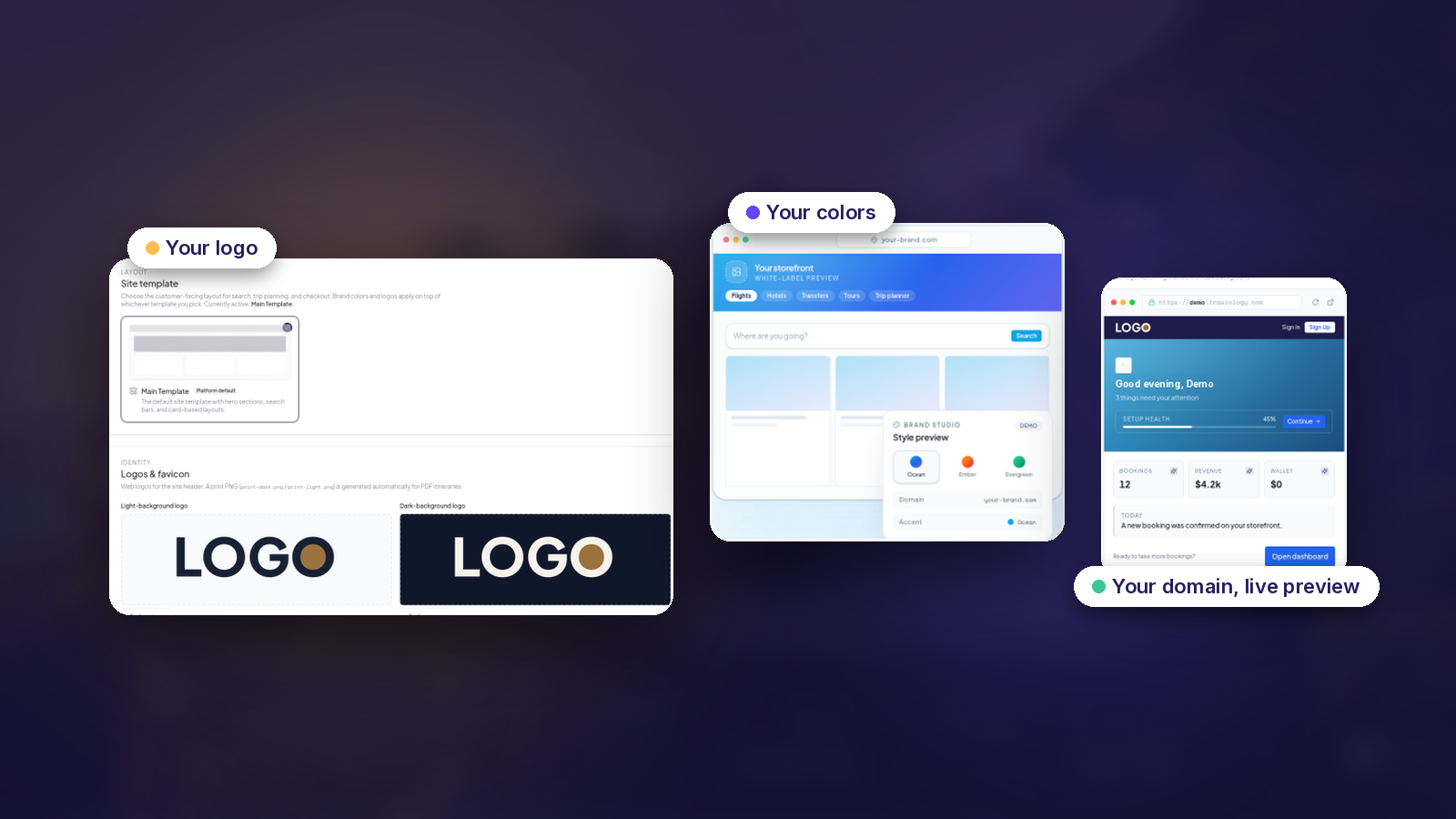
Most agencies that want online booking hit the same fork: build a site and wire it to suppliers yourself, which takes a team and a long time, or send customers to someone else's booking site, where they see another brand at the moment they pay. Neither is great.
Traviology is built for a third option. Every agency runs an isolated white-label storefront: your domain, your colors, your suppliers, your team. Inventory, checkout, wallets and delivery are handled by the platform underneath, out of sight.
What your customers see
A storefront with your name on it. Flights, hotels, trains, transfers, tours and Trip Planner all run under your brand, from search through confirmation, and the domain, colors, copy and email are yours too. Customers never land on a marketplace subdomain or a supplier's microsite.
What you set up
Going live runs through a 14-step setup wizard covering branding, domains, suppliers, payments and go-live. In practice that means:
Branding: logo, colors, hero gradient and copy.
Domains: your own hostname, with SSL and routing built in. The Platform plan includes unlimited custom domains on your brand plus your slug.traviology.com address, so regional sites, campaign hosts and staging are covered.
Suppliers: connected inventory, your own local hotels, transfers and tours, or both in the same search.
Payments: guests pay by card through Stripe Checkout, and wallets are topped up the same way, on your storefront.
What runs underneath
You configure the plumbing once. There's no infrastructure team to hire. Location search across every product runs on Google Places, and Google Sign-In gets guests to checkout without another password. Storefronts, search and images come from Cloudflare's edge, with custom domains and TLS included for every tenant, while invoicing, markup and refunds are handled in your admin.
Running it day to day
After launch, the operator console is home to bookings and clients, markup, content and support. Three parts deserve a mention.
Site content without a developer
Homepage sections, custom pages, legal copy, navigation and footer are editable per brand. No redeploying code.
Storefront SEO
Country and city hubs. Geo listings for hotels, tours and transfers. Product landings and detail pages, with per-route overrides, a sitemap and indexing controls.
Built-in AI studio
Generate tour photos, homepage hero assets, SEO drafts and trip covers from inside the console.
Your bookings, wallets and data stay scoped to your account, with audit trails on bookings and invoices. Then there are the messy cases: refunds, multi-leg failures, supplier outages and wallet splits, which are handled as first-class concerns, so your team isn't left patching them by hand.
See it working
The For Agencies page walks through the setup sections and what each bundle includes.
Plans and pricing are set on a call, and the plans page lays out what each one covers.
The live demo shows a working storefront from the guest side, which is the view that matters most.