A hotel shortlist your client can actually choose from
A practical checklist for building a hotel shortlist in Traviology: network and local rates in one list, boards, cancellation terms and a rate check.
Search network and contracted hotels in one list, compare boards and cancellation terms, and confirm the rate before checkout. A checklist for building a hotel shortlist in Traviology.
By Traviology · Published 2026-10-16
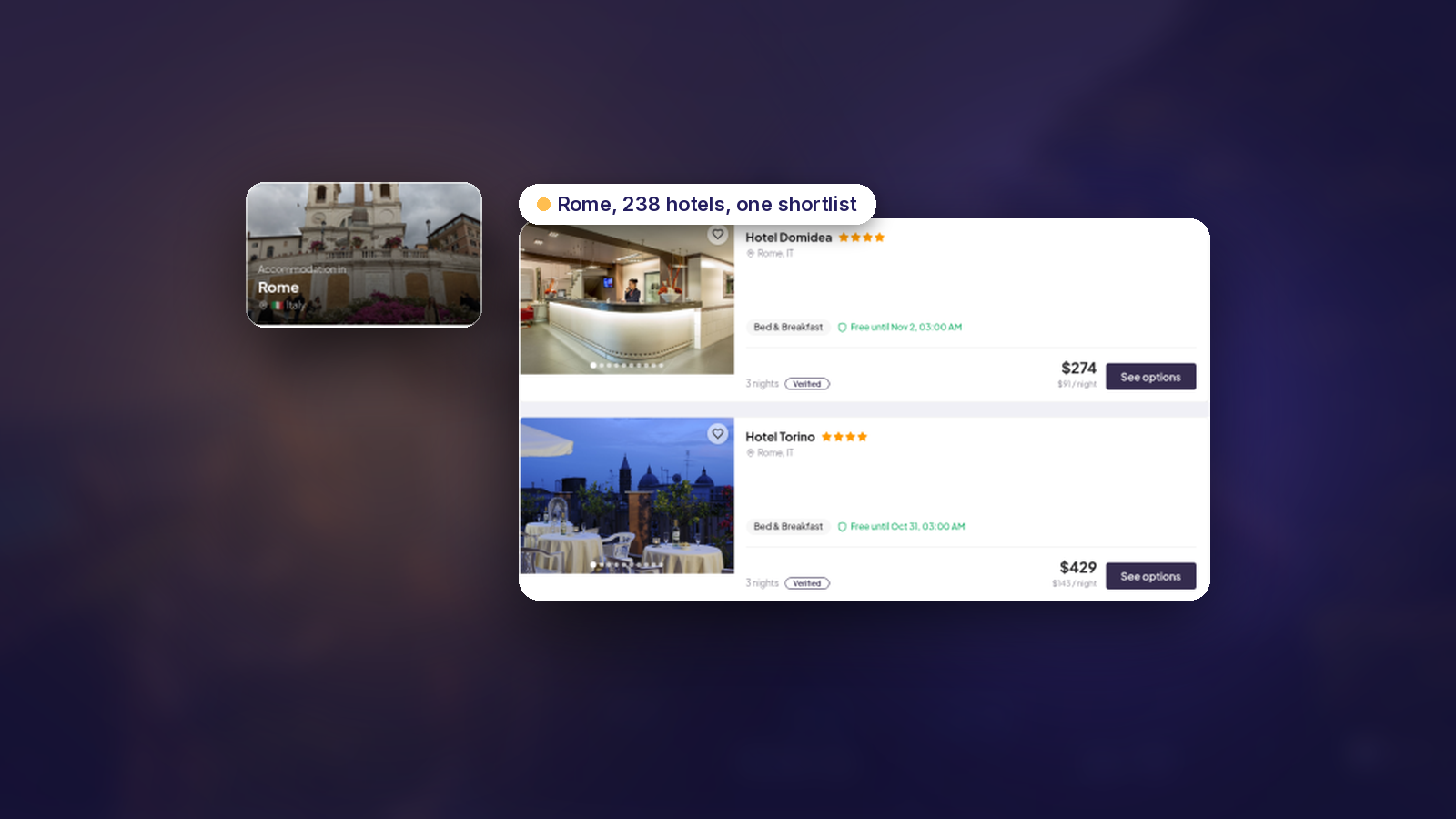
Twelve hotels is homework. A shortlist is three or four options, each one a real choice, with the price and the rules clear enough that the client can say yes without a follow-up call. Here's how to build one in Traviology.
Before you search
Destination, dates and the exact party. Adults and children change which rooms fit and what they cost, and Traviology prices occupancy against the room configuration.
The budget, and whether the client needs a refundable rate.
One stay or a split stay. Rome then Florence is two hotels in one trip, and both live in the same booking stack.
The checklist
1. Search everything at once
One search returns network supply and your own local inventory in a single list. The network side covers bedbanks and wholesalers, chains and channel managers, and regional or DMC sellers when they're connected, and the hotels page puts the network at 900+ hotel sellers, a supplier-published figure.
2. Put your contracted hotels next to the network
If you've negotiated rates with properties you know well, publish them in your local catalog with seasons and rates. They appear beside connected wholesale inventory, so your favourite hotel isn't buried in a separate spreadsheet.
3. Use preferred ranking
Preferred ranking surfaces the properties your team wants seen first, which keeps the shortlist anchored on hotels you trust.
4. Compare what actually differs
For each candidate, look at the board, the refundability and the photos. Room options, boards and cancellation terms are shown before the guest commits. They matter. Two rooms at similar prices can be very different deals: one is half board and free to cancel, the other is room only and non-refundable.
5. Trim to three or four
Pick options that differ on purpose: the safe choice, the better location, the upgrade. Four of the same kind of hotel at slightly different prices? Then the client has nothing to decide.
6. Confirm the rate before checkout
Hotel rates move. Traviology confirms the rate before checkout, which keeps what you sell in line with what you book.
7. Book under your name
Booking happens at checkout on your white-label storefront, and pricing follows your markup rules. Your agency's name is what the client sees, not the supplier's.
When the hotel is one stop of many
Trip Planner lets you drop the stay onto a stop on a live map, beside the flight in, the train out and the airport transfer. The trip total updates with each pick.
The hotels product page lists the supply types and operator tools in full.
The live demo lets you try a shortlist on a city you sell often. Start there.
See it on your brand
Flights, hotels, trains, transfers, and tours, sold under your name. One short walkthrough, then you decide.