Planned, not padded: how to add tours to an itinerary
How to add tours and activities to a client itinerary in Traviology: connected catalog plus your own tours, clear options and voucher-ready bookings.
A good activity gives a day its shape. Traviology lets agents add connected tours and their own local products to any stop, with times, languages and vouchers handled in the same booking flow.
By Traviology · Published 2026-10-25
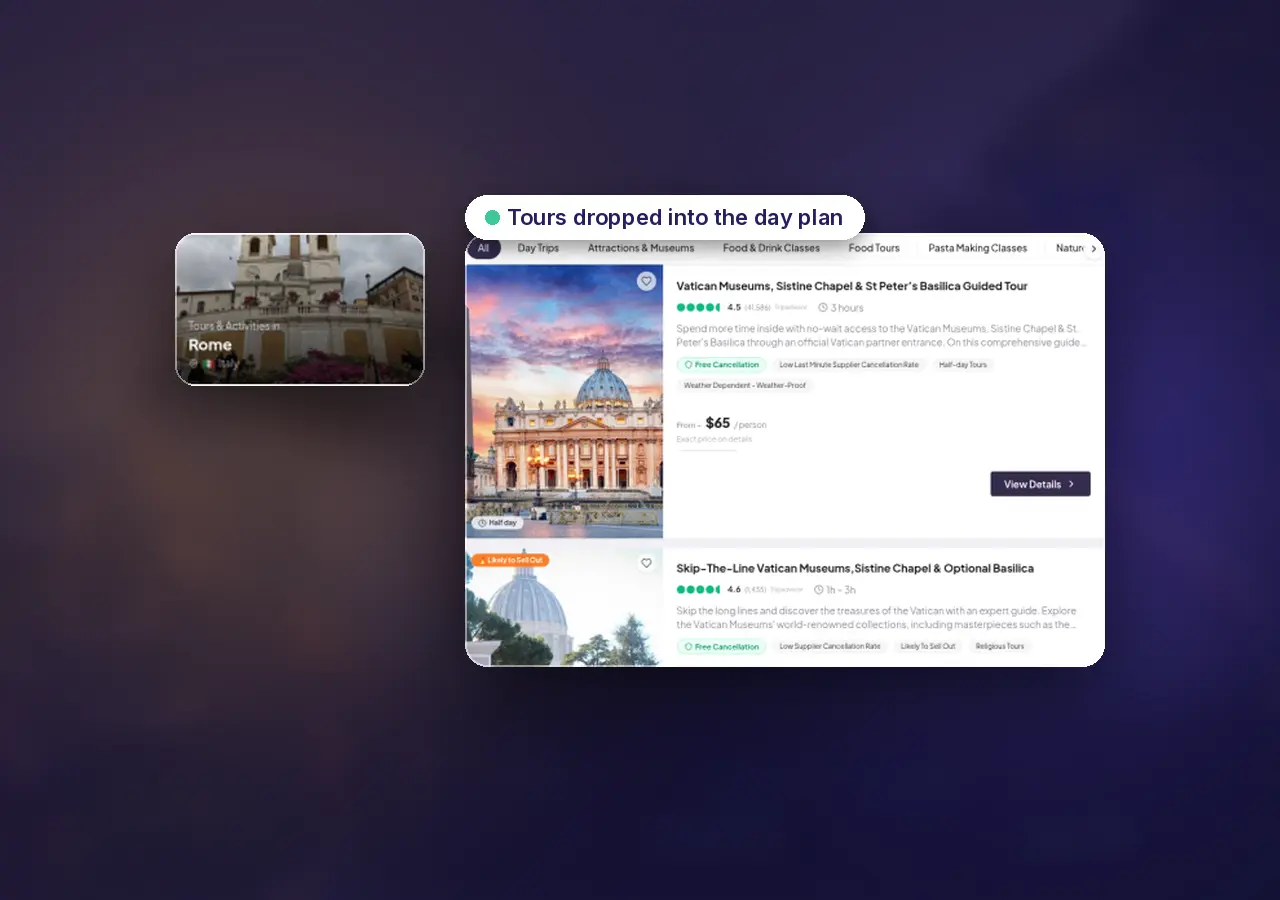
There's a version of itinerary building where tours go in last, one per day, just to make the document look full. Clients can tell. A skip-the-line slot at 9:00 on the morning after an overnight flight is no gift. A three-hour walking tour on the one free afternoon in Rome might be.
Adding activities well is mostly a question of fit. Here's how that works in Traviology, and what to think about at each stop.
What you can pick from
Tours and activities on your storefront come from two places:
The connected catalog: day tours and sightseeing, plus attractions and tickets, including skip-the-line and timed entries when the catalog supplies them. The tours page counts 300,000+ experiences in 2,500+ destinations, both supplier-published figures.
Your own catalog: tours you operate or contract locally, published with seasons, date windows, capacity and a price per person.
Both appear in the same search, so the walking tour you've run for years sits beside the big-name attraction ticket.
Matching the activity to the day
Look at what comes before and after
In Trip Planner every tour attaches to the stop it belongs to, next to the flight, train or transfer that gets the client there, so the shape of each day is visible. Train arrives at 14:00? An evening food walk fits. A morning museum entry doesn't.
Check the option details
When a product supports them, times, languages and passenger types are shown with clear pricing before the client commits. Adult and child rates apply where the product defines them. For a family, that's the difference between a quote that holds and one you have to redo.
Leave room
Not every day needs a booking. One well-chosen experience per city usually says more about your planning than four filler tickets.
One test before you send any itinerary: read each day out loud as the client would live it. Arrival, check-in, the activity, dinner. If a tour makes the day feel rushed, move it or drop it. If a day feels empty in a city the client has never seen, that's where a good guide earns their fee.
After the booking
Checkout runs on your white-label storefront, and the guest gets a voucher-ready confirmation to redeem on the ground. They never bounce to another brand to find their ticket.
Tours you can sell again
If the same experiences keep turning up in your trips, bundle them into packages your team can sell again and again. Your local tours keep your margins, and they sit right next to connected supply.
Where to start
The tours product page lists experience types and operator tools.
The Trip Planner demo lets you add a tour to a stop and watch the trip total change. Try it on a city where you already know which afternoon is free.
See it on your brand
Flights, hotels, trains, transfers, and tours, sold under your name. One short walkthrough, then you decide.